Cognitive Offloading: Using Your Environment as Memory
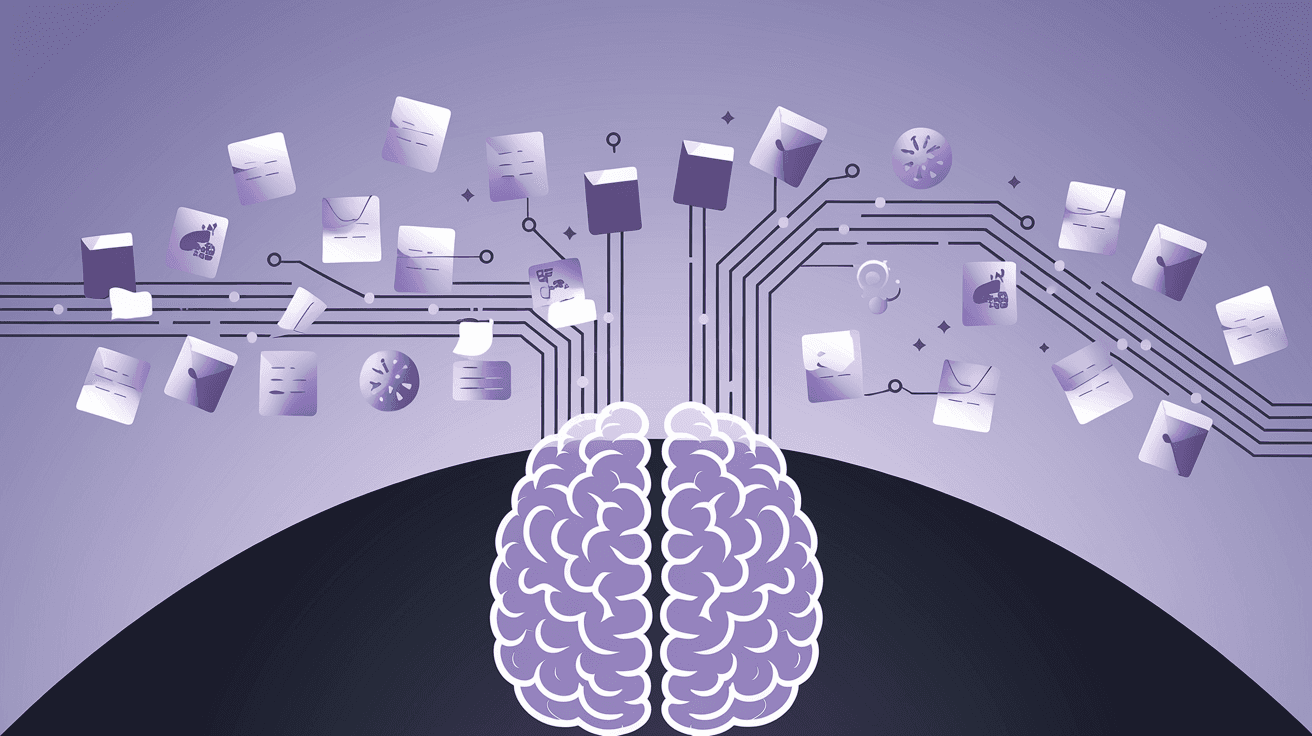
Your brain wasn't designed to store grocery lists, meeting times, and random ideas—it was designed to think. Stop cluttering your mental RAM with information your environment can hold better.
Most people treat their brain like a hard drive, cramming it with passwords, appointments, tasks, and random thoughts. This creates mental fatigue, decision paralysis, and the constant anxiety of "am I forgetting something?" The solution isn't a better memory—it's strategic cognitive offloading.
The SPACE Framework: Strategic Placement of Cognitive Elements
Why It Works
Your working memory can hold roughly 7±2 items at once (Miller, 1956), but modern life demands tracking hundreds of pieces of information. Neuroscientist Merlin Donald calls this "hybrid thinking"—using external tools to extend our cognitive capacity. When you externalize information storage, you free up mental resources for higher-order thinking like analysis, creativity, and problem-solving.
A 2011 study by Sparrow, Liu, and Wegner found that people remember information less well when they believe it will be accessible later (the "Google effect"). This isn't cognitive laziness—it's cognitive efficiency. Your brain is optimizing by offloading storage to focus on processing.
The Components
S - Systematic Capture
Create friction-free systems to capture thoughts before they consume mental bandwidth.The Science: Zeigarnik Effect research shows that incomplete tasks create persistent mental tension. Writing them down releases this tension by signaling to your brain that the information is safely stored.
Implementation:
- Use a single capture tool (notebook, phone app, voice recorder)
- Apply the 2-minute rule: if it takes less than 2 minutes to capture, do it immediately
- Create location-based capture points (notepad by bed, voice memos in car)
P - Physical Anchoring
Use your environment as a memory prosthetic through strategic placement of objects and cues.The Science: Environmental psychology research demonstrates that physical cues trigger automatic behaviors without conscious effort. This leverages what researchers call "implementation intentions"—pre-decided responses to environmental triggers.
Implementation:
- Place objects where you need to remember them (pills next to toothbrush, gym bag by door)
- Use "forcing functions"—environmental constraints that make forgetting impossible
- Create visual cues for abstract goals (book on pillow = read before sleep)
A - Automated Systems
Build systems that run without conscious oversight, reducing decision fatigue.The Science: Baumeister's research on decision fatigue shows that willpower depletes throughout the day. Each decision—even trivial ones—reduces your capacity for subsequent choices. Automation preserves mental energy for important decisions.
Implementation:
- Automate recurring tasks (bill payments, subscription renewals)
- Create decision templates for common scenarios
- Use time-based triggers (every Sunday at 6 PM = meal prep)
C - Contextual Triggers
Design environmental cues that prompt desired behaviors without conscious effort.The Science: Habit research by Wood and Neal (2007) shows that 40% of daily actions are habitual responses to contextual cues. By designing these cues intentionally, you can automate good behaviors.
Implementation:
- Stack new habits onto existing environmental triggers
- Use location-based reminders on your phone
- Create distinct physical spaces for different types of work
E - External Processing
Use tools and templates to handle cognitive work outside your head.The Science: Research on "distributed cognition" by Edwin Hutchins shows that complex thinking often happens across people and tools, not just inside individual minds. Calculators, checklists, and frameworks extend your cognitive capacity.
Implementation:
- Create decision trees for recurring choices
- Use checklists for multi-step processes
- Build templates for common thinking tasks
Application Guide
Step 1: Audit Your Mental Load
For one week, track what you're trying to remember. Every time you think "I need to remember to..." write it down. Categories typically include:- Tasks and appointments
- Ideas and insights
- Information you reference repeatedly
- Decisions you make frequently
Step 2: Map to SPACE Components
Sort your mental load items into the five SPACE categories:- Systematic Capture: Random thoughts, ideas, tasks
- Physical Anchoring: Routine behaviors, habit triggers
- Automated Systems: Recurring tasks, predictable decisions
- Contextual Triggers: Desired behaviors, environmental cues
- External Processing: Complex decisions, analytical thinking
Step 3: Design Your Systems
Start with one category. Build the minimum viable system first, then iterate:- Choose tools that match your existing workflow
- Test for one week before adding complexity
- Focus on reducing friction, not adding features
Step 4: Implement Gradually
Add one SPACE component every two weeks. This prevents system overload and allows each component to become automatic before adding the next.Example Application
Scenario: Sarah, a marketing director, feels overwhelmed tracking client projects, team meetings, and strategic initiatives.
Current State: Keeps everything in her head, constantly worried about forgetting something important, spends mental energy on recall rather than creative work.
SPACE Implementation:
- S: Uses voice memos during commute to capture random ideas, transfers to written system weekly
- P: Places client folders on desk in priority order, uses color-coded calendars visible from workspace
- A: Sets up automatic email templates for common client communications, schedules recurring team check-ins
- C: Works on strategic thinking only in conference room (context = deep work), uses phone in airplane mode as focus trigger
- E: Creates project templates with standard questions and timelines, uses decision matrix for resource allocation
Common Mistakes
Mistake 1: Over-Engineering Systems
Building complex systems that require more mental energy to maintain than they save. Start simple, add complexity only when needed.Mistake 2: Tool Proliferation
Using different apps for everything creates cognitive switching costs. Consolidate where possible—better to use one tool well than five tools poorly.Mistake 3: Ignoring Context
Designing systems that work in theory but not in your actual environment. Test systems in real conditions, not ideal ones.Mistake 4: All-or-Nothing Thinking
Expecting perfect adherence from day one. Systems improve through iteration, not perfection.Mistake 5: Forgetting the Goal
Building systems for their own sake rather than to free up mental capacity. Regularly ask: "Is this system reducing my cognitive load or adding to it?"The goal isn't to build the perfect external brain—it's to build good enough systems that consistently reduce your mental burden, freeing up cognitive resources for what matters most.
Key Takeaways
- 1.Your brain is for thinking, not storage—externalize information whenever possible
- 2.Environmental design can automate good behaviors without willpower
- 3.Start with systematic capture, then build physical anchors and automated systems
- 4.Test systems in real conditions, not ideal ones
Your Primary Action
Choose one category from your mental load audit and implement the corresponding SPACE component this week. Start with Systematic Capture if you're unsure—it provides the foundation for everything else.
Related Articles
Did you find this article helpful?
Comments
Get More Like This
Weekly evidence-based insights on Mind, Body, Heart, Wealth, and Spirit. No spam—just actionable frameworks.
The Catalyst Newsletter
Weekly research, investigations, and free tools. No sponsors, no fluff. Unsubscribe anytime.
Ready to take action?
Get personalized insights and track your progress across all five dimensions with The Mirror.
Access The Mirror